

Windows
Windows 10 / 11 · 64 位(x64)
Download →Stable v2.5.1 · Tauri 2 + Mihomo
Desktop GUI built with Rust / Tauri, powered by the Mihomo (Clash.Meta) core. Subscriptions, system proxy, TUN, themes, and visual rule editing—all in one place.
Windows · macOS · Linux · Android · Open source GPL-3.0
Pick the installer for your device. Use ClashVerge on desktop; on Android we recommend FlClash.
Windows 10 / 11 · 64 位(x64)
Download →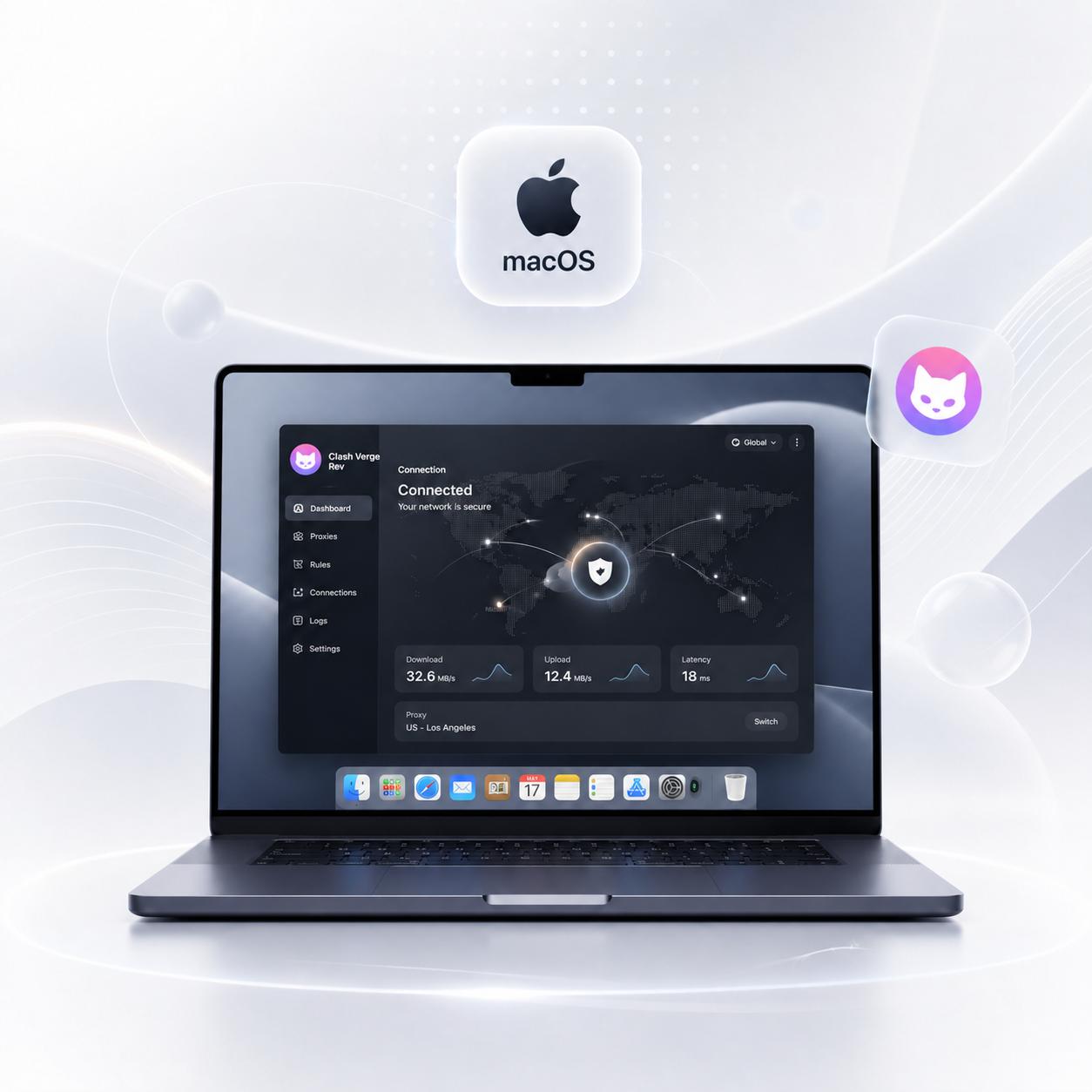
macOS 11+ · Apple Silicon / Intel
Download →
DEB / RPM / AppImage · x64 / ARM64
Download →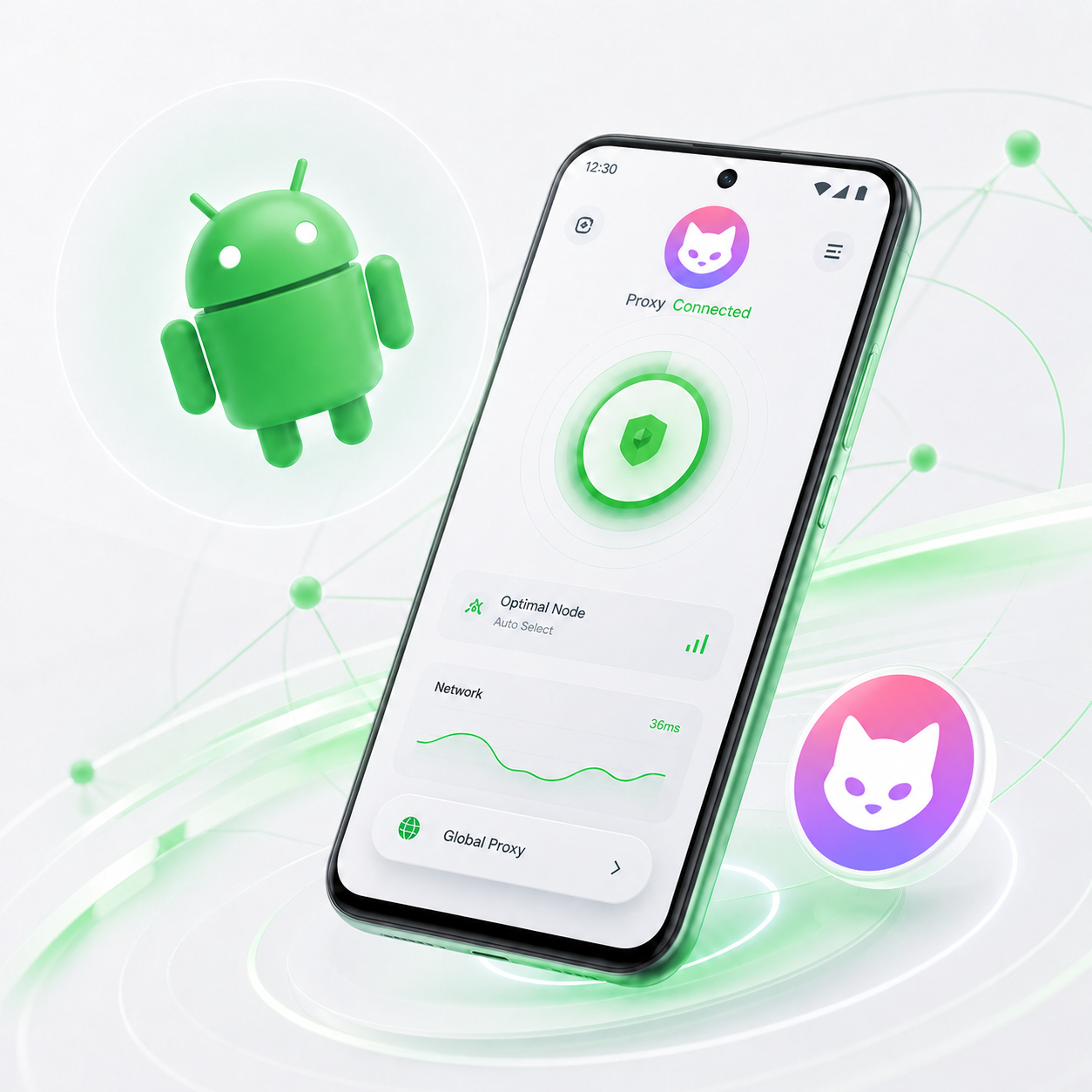
FlClash · arm64-v8a / armeabi-v7a
Download →Built for daily use and advanced troubleshooting: less friction, more predictability, more visibility.
Ships with Clash.Meta (Mihomo) for modern protocols and rules, with optional Alpha core switching.
Built on Tauri 2 for lower footprint and faster startup. Customize theme colors, tray icons, and CSS Injection.
Subscription import, Merge / Script helpers, syntax hints, and visual node / rule editors to simplify YAML.
One-click system proxy, or enable TUN (virtual NIC) when you need broader traffic capture for browsers and CLI tools.
Back up and sync configs via WebDAV so you can restore subscriptions and preferences after a reinstall.
Licensed under GPL-3.0. Prefer official GitHub Releases and verify version and checksums when possible.
From install to a working connection usually takes just a few minutes.
Choose the package for your OS and architecture. Prefer the Stable release for daily use.
Pull a config via HTTPS subscription URL, or import a local YAML file. The client helps validate syntax.
Turn on system proxy or TUN, pick a node in a proxy group, run a delay test, and confirm connectivity.
This site focuses on ClashVerge product information and documentation. The software follows GPL-3.0 and related open-source licenses. We do not provide or sell any nodes or network acceleration services.
Common questions about install, package choice, and daily use.
In the community, ClashVerge usually means the maintained Clash Verge Rev client. This site introduces and guides downloads for the Clash Verge Rev stable release (currently v2.5.1).
Choose the Stable release for daily use. AutoBuild is better for early testing and feedback and may include less-verified changes. On Windows use the 64-bit (x64) package (filename x64-setup.exe); on macOS pick Apple Silicon or Intel to match your chip.
Prefer system proxy for typical browser traffic. Enable TUN when you need broader capture (CLI tools or apps that ignore system proxy). TUN may require elevated permissions or a service component.
No. ClashVerge is a client. You must obtain configs and nodes lawfully yourself. Do not use the software for illegal purposes.
Usually Gatekeeper. Allow it under System Settings → Privacy & Security, and confirm you downloaded the official DMG for your chip. See the docs for details.
Pick your platform, download the stable build, and finish setup in minutes.